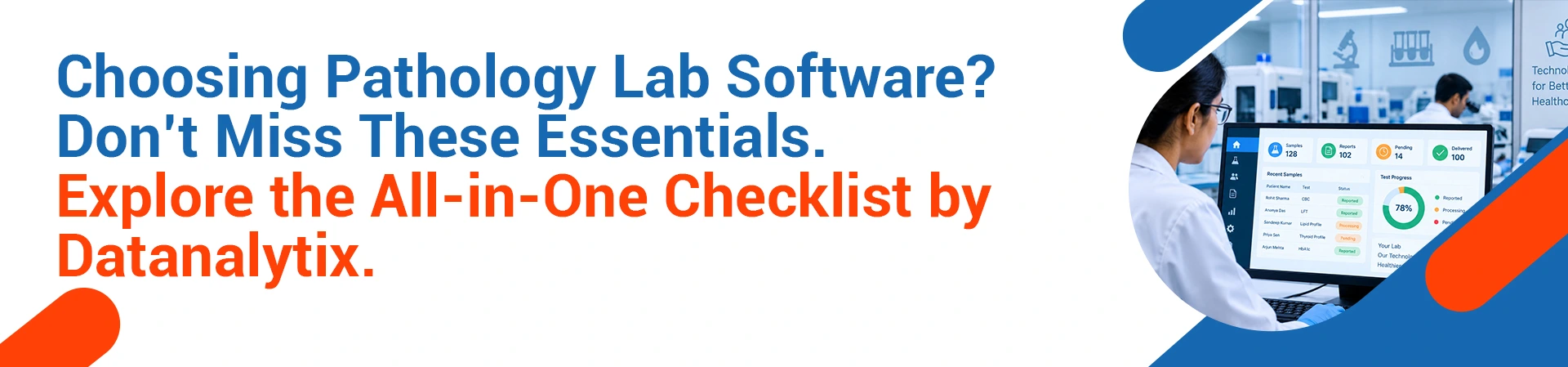
Pathology Lab Software Demo: An All-in-One Checklist
Running a pathology lab or planning to run one? Then you must know about the pathology lab software demo. The right software can revolutionize your lab operations. Nothing illustrates the functionality or limitations of a system quite like a demo. Software demonstration is your opportunity to see a pathology lab software in action without relying solely on what’s stated in marketing materials; therefore, know exactly what to look out for. This checklist will set you on the right path of inspection. We will take on each part step-by-step.
Preparing for the Demo
Productive pathology software demo starts with preparation. In essence, you should already know your laboratory’s needs. Document the problems in your day-to-day lab operation and provide these to the vendor in advance so that they may customize the demo for you; request a standardized demo script so that the demonstration from each vendor can be assessed under similar parameters. Datanalytix is widely known for this preparatory process. First, we conduct in-depth workflow assessment of your laboratory operations before any demo, mapping out all your existing processes to be able to tailor the demonstration of the pathology lab software.
Workflow Automation: The Engine of Operation
What about patient registration? Well, they are no longer written on slips of paper. A specific barcode is instantly available for each patient on registration; any samples require the capability to trace from collection and until result generation. As per Google, workflow automation also decreases the risk of human error; therefore, check patient sample tracking functionality carefully.
Bar codes need to be scanned by technicians and result in real-time update of status and allow lab managers to see all pending and completed test orders. This will increase transparency and create a feel of being looked after for the patient. That’s why, pathology lab software demo is important.
Datanalytix Pathology Lab Management Software
The “LabIQ” software takes full responsibility of workflow automation and this turns the chaos of Mondays into orderly routine. Receptionists process incoming registrations within a few seconds while phlebotomists take and document samples within a few minutes; and the samples are emailed to technicians almost immediately.
Integration and Compatibility
The software should integrate with available hardware. Check compatibility with your existing analysers. Inquire about multi language support for your staff. Integration with Indian medical billing systems is essential. High volume of patients is also essential to be managed by the system.
The team of Datanalytix has the total knowledge about it. Our LIMS software is built for Indian condition. Get the best pathology lab software demo free at Datanalytix.
Scalability and Pricing
As the time passes your laboratory will scale up. The software should scale with your needs. Datanalytix offer scalable and affordable solutions. We provide pathology lab software with pay-as-you-go models. Be it 100 or 10000 samples, you will be benefitted by our pricing of the software.
Support and Training
One cannot ignore the fact that irrespective of the quality of the software, without quality support and training, nothing can be guaranteed. Enquire about the available training sessions for staff.
Quick response from the support team is key. Quick bug resolution is important. Hands-on implementation support is very important. Datanalytix provides support services in the best way.
Lab information system from Datanalytix is accompanied by complete training, from a responsive support team. For a free pathology lab software demo, reach Datanalytix.
Clients’ Words
“The pathology lab software demo by Datanalytix was great. Their team had full knowledge of the lab work and helped so much. LabIQ dramatically reduced the errors in the lab and the satisfaction among patients.” _ Anonymous
“We selected Datanalytix after examining a host ofLIMS, as this software has a lot of potential. This has made the tracking system transparent. Faster report delivery is possible. The support team has a swift response”. _ Anonymous
“Datanalytix’s LIMS is really good and user friendly. The software designed by the professionals is user-friendly and at the same time is very influential. The staff did not experience any problem adapting with the software. Inventory management grew to be hassle free. Extremely satisfied from the service provided by Datanalytix”. _ Anonymous
Frequently Asked Questions
1. What do I look for when taking an on-site demonstration of Pathology lab software?
Workflow automation, Sample tracking, inventory management and reporting tools is important features to look at the pathology lab software.
2. How long usually a demonstration session took?
An on-site demonstration last anywhere from an hour to ninety minutes, based on your questions and requirements for pathology lab software.
3. Is Datanalytix customize the demos for our labs?
Yes, you have been provided pathology lab software on-site demo based on the workflow of your lab.
4. Do you include training with the software?
Yes, we have provided comprehensive training to all the employees.
5. Do you cater to NABL compliance?
Yes, our LIMS software is an all-inclusive solution geared toward your NABL and ICMR requirements.
6. Is this system capable of processing high volume of patients?
The pathology lab software is from a 100 to 10,000 sample per day. It goes according to lab size and capacity.